

AI was used in an assistive capacity to develop and translate the content of this article, including the text and tools.
AD
Art Composition Generator
TOKONATSUYASUMI.COM
AD
This tool generates random shape silhouettes and value thumbnails to spark fresh ideas and inspire dynamic compositions for your illustrations.
スポンサーリンク (AD)
Key Features & Design Behind the Tool
- 1.Built-in Compositional Guides (Rule of Thirds & Golden Ratio)
-
Behind the scenes, the shapes are subtly programmed to align with classical focal points like the Rule of Thirds and the Golden Ratio. This makes it much easier to generate layouts that feel naturally balanced and pleasing to the human eye, rather than chaotic clutter.
- 2.Strategic Horizontal & Vertical Dividers
-
Pure randomness rarely produces straight horizontal or vertical lines. To fix this, the generator intentionally spawns dividing bands at a set rate. These straight lines make it much easier to visualize grounding elements like floors, horizons, or architectural structures.
- 3.Trapezoids for Instant Perspective
-
To help you feel depth and vanishing points right away, the generator includes skewed trapezoid shapes. These naturally suggest walls, ground planes, or converging paths in perspective.
- 4.Positive/Negative & Overlap Toggles
-
- Invert Colors: Flips black and white so you can study positive and negative space (Notan study).
- Translucent Shapes: Lowers opacity so overlapping forms become visible, revealing secondary shapes and depth.Give them a try—they completely change how a thumbnail reads!
- 5."Fit within Canvas" Mode
-
Turning on Fit within Canvas (No Cropping) pulls the "camera" back so the entire silhouette stays within the frame without touching the edges. Perfect when you want to design a standalone character silhouette or isolated prop silhouette.
Please read the following guidelines before using the tool:
Tap to show
- Prohibited: Do not copy, reprint, or redistribute the source code or system of this tool on other websites without permission.
- Share on Social Media: You are more than welcome to share your generated compositions or saved images on social media! Including the site name or URL would make the creator incredibly happy.
- Commercial Use OK: You are free to use any works (illustrations, designs, 3D projects, etc.) created using this tool for both commercial and non-commercial purposes.
- Bug Reports & Feedback: If you find any typos or experience any technical issues, please contact me through the inquiry form.
AD
Testing It Myself!
To be completely honest, coming up with interesting compositions has always been one of my biggest weak points.
If I don't pay attention, I almost always fall back on drawing the exact same thing: a stiff character seen from the side, standing against an empty void.
I created this tool hoping that using random shape silhouettes as a foundation would push me out of my comfort zone and help me tackle layouts I’d never come up with on my own.
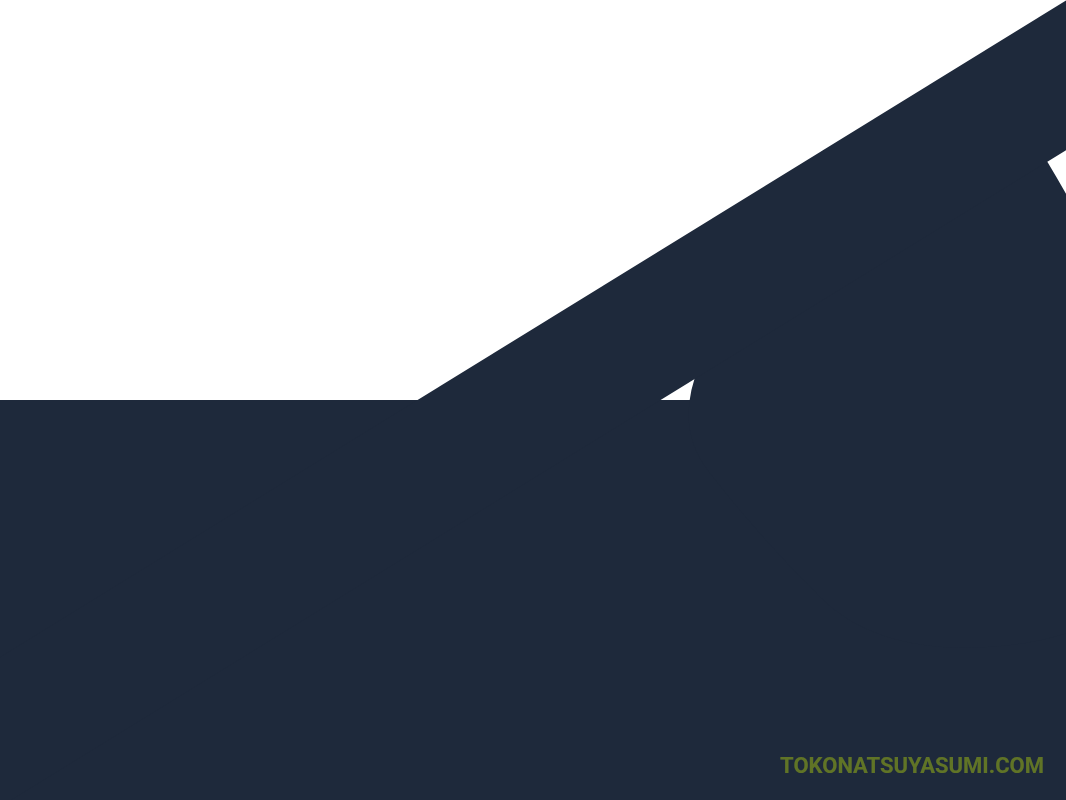
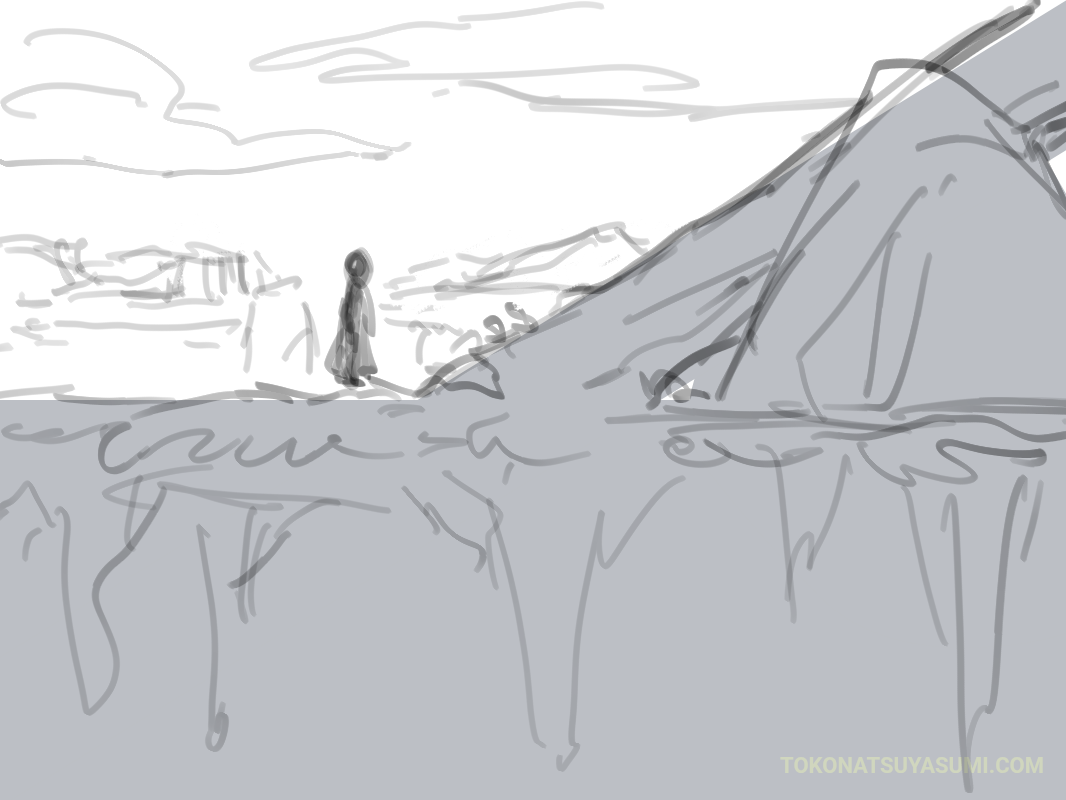
Here are a few quick sketches I made using generated thumbnails:
Study 1: Adding a Figure for Scale
Looked like a vast landscape stretching into the distance, so I added a small character overlooking the view to create a sense of scale.
Study 2: Fitting Characters into Negative Space
Fitting a character snugly inside the silhouette boundaries. It created an uneasy, enclosed, and moody composition.
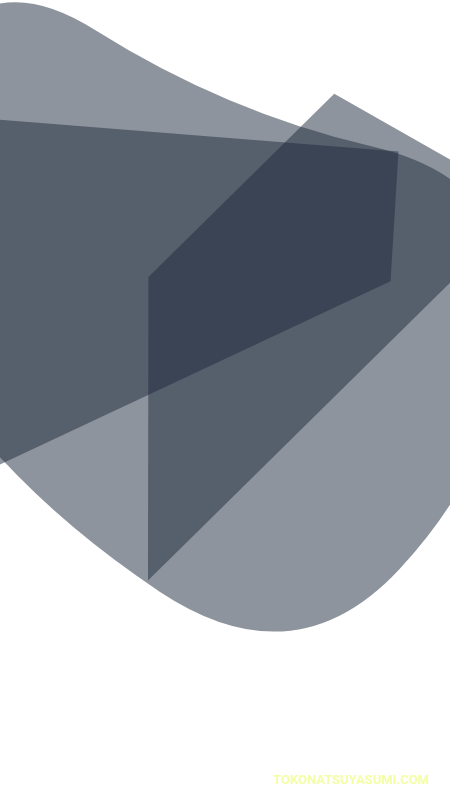
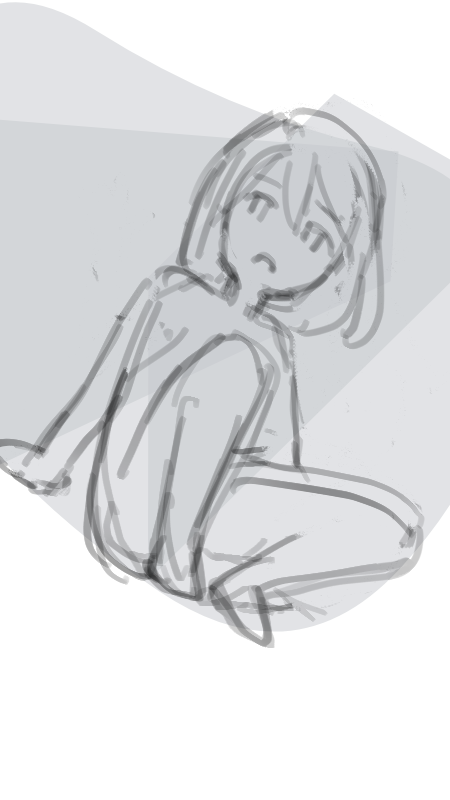
Study 3: Low-Angle Pose
A close-up of a hand gripping a weapon from a dramatic low angle (worm's-eye view). I usually avoid this kind of foreshortening because it's so tough to plan, but having the base abstract shape served as an intuitive visual anchor!

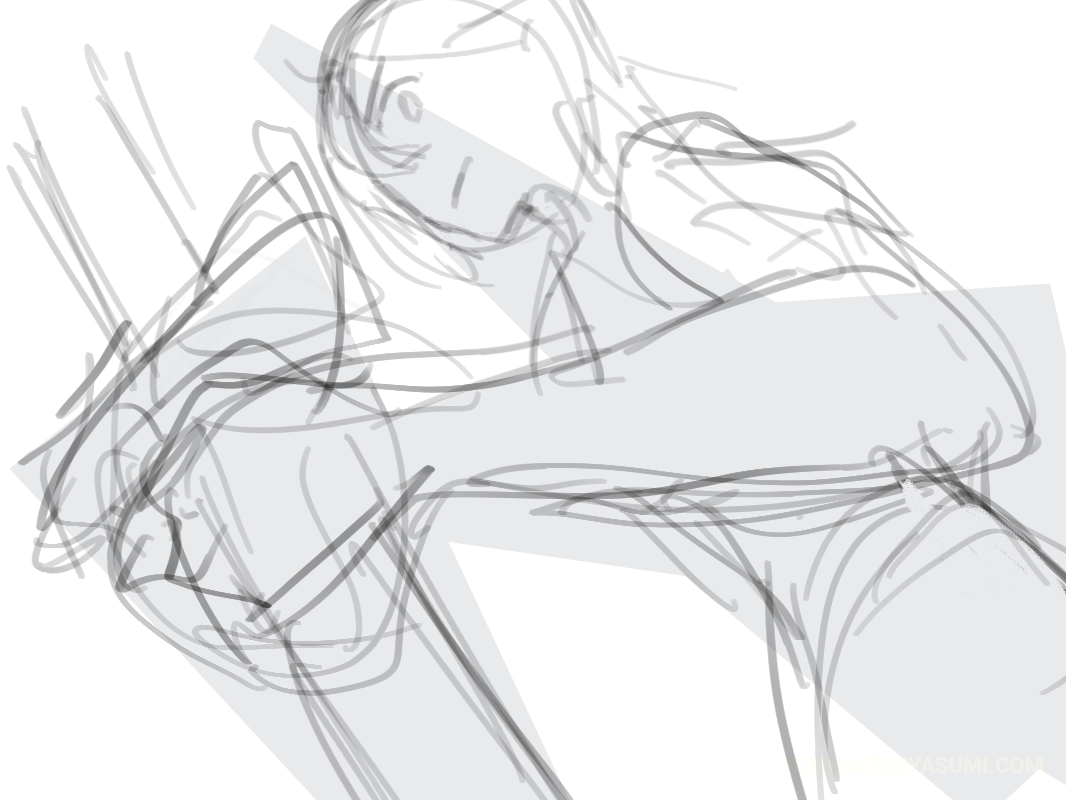
Actually drawing over these thumbnails was surprisingly challenging, but in the best way possible!
It's infinitely better than staring blankly at an empty white canvas, hoping inspiration strikes. It gives your brain an immediate puzzle to solve.
I’d love for you to give it a spin and experiment with different ways to use it in your workflow!
 kivi
kiviThis page is created and managed by a Japanese creator named kivi. (Please note that if you use automatic browser translation, my name might mistakenly be translated as "millet"!)
While some parts of the page are currently available only in Japanese, we plan to gradually expand the English translation over time. Thank you for your patience and support!
Related Posts
いいね!ありがとうございます!
励みになります!これからも心を込めて記事を書いていきます。